

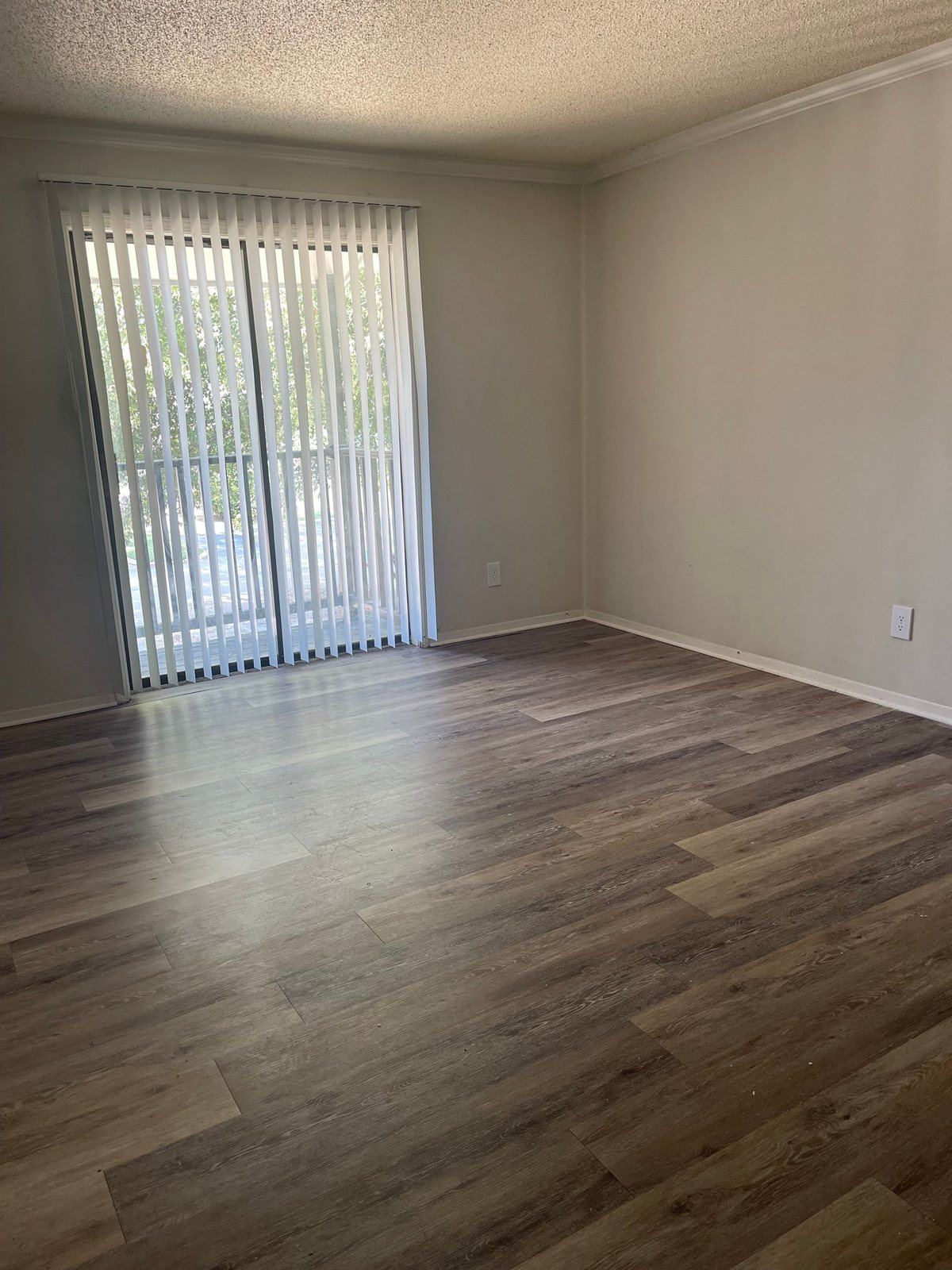
Working from home — full time or a few days a week — changes what you need from an apartment. Suddenly the kitchen table is your desk, your internet connection is your lifeline to the office, and the line between “work” and “home” gets blurry. This guide covers how to choose an apartment that works for remote work, set up a productive home office in a rental, and keep your days balanced. We use the floor plans at The Enclave Apartment Homes in Hickory Hill, Memphis, as examples.
Choosing an apartment for remote work
Space: a room with a door helps
If you take frequent video calls or need to concentrate for long stretches, a separate room with a door is the gold standard. The Enclave’s 2-bedroom / 2-bath (1,014 sq ft, starting from $1,055) gives you a full second bedroom to use as an office, and the 3-bedroom / 2-bath (1,150 sq ft, starting from $1,180) leaves room for an office even with a family. Rents are subject to change; compare layouts on the floor plans section.
Working from a 1-bedroom (689 sq ft, starting from $910)? It is very doable with a well-planned corner — more on that below.
Internet: check before you sign
Internet providers and available speeds vary by address. Before you sign a lease, check availability for the specific address with the providers serving the area, and ask about installation timing. Our utilities and internet guide walks through the setup process.
Light and noise
On your tour, notice which rooms get natural light and when. Listen for noise from parking lots, walkways, and play areas during the hours you would be working. Our apartment tour checklist has a full list of things to look for.
Setting up your home office in a rental
The essentials
- A real desk at the right height — your elbows should rest at about a 90-degree angle while typing.
- A supportive chair. If you sit for hours, this is worth the investment.
- A monitor at eye level, or a laptop stand with an external keyboard and mouse.
- Good lighting — a desk lamp plus natural light from the side, not directly behind your screen.
- A surge protector for your computer and router.
Renter-friendly upgrades
- Use cord clips and adhesive cable organizers instead of drilling.
- Choose a freestanding bookcase or rolling cart for supplies.
- Add a rug to soften echoes on hard floors for better call audio.
- Hang lightweight art or a corkboard with damage-free strips — ask the office first if you are unsure.
Making a corner office work in a 1-bedroom
No spare room? Carve out a dedicated zone:
- Pick a corner near a window and an outlet.
- Use a compact desk and a chair that tucks underneath.
- Define the space with a rug, a bookcase, or a folding screen.
- Keep work supplies in one bin you can put away at the end of the day.
Our small-space storage guide has more ideas for squeezing function out of every square foot.
Video calls that look and sound professional
- Face a window or a lamp so light falls on your face.
- Raise your camera to eye level with a stand or a stack of books.
- Use headphones with a microphone to reduce echo and background noise.
- Tidy the background, or use a simple neutral wall.
- Test your connection before important meetings. Placing your router in a central, open spot often improves Wi-Fi.
Keeping your home bill in check
Being home all day means using more electricity for lights, electronics, and heating or cooling. A few habits help:
- Set the thermostat to a comfortable but efficient temperature, and use a fan in the office.
- Close blinds on sun-facing windows during hot Memphis afternoons.
- Turn off monitors and power strips at the end of the day.
The summer heat guide has more ways to stay cool efficiently.
Staying healthy and sane at home
Create a commute
A short walk before and after work signals your brain that the workday is starting or ending.
Take real breaks
Stand up every hour. Step outside for lunch. At The Enclave, residents have a fitness center, a swimming pool, a tennis court, and a soccer field on the property — easy places to move between meetings. Nearby, Lichterman Nature Center and The Links at Fox Meadows offer a change of scenery.
Set boundaries
Keep regular hours, put work materials away at night, and let people you live with know when you are on calls.
Get out of the house
Working from home can feel isolating. Libraries and coffee shops offer a change of scene now and then. The Memphis Public Libraries system has branches across the city; check its website for the location and hours nearest you.
Handling everyday tasks without leaving your desk
Residents at The Enclave use the online resident portal to pay rent, set up autopay, and submit maintenance requests from anywhere, so small household tasks do not eat into your workday.
Find your remote-work home
Want to picture your office setup in person? Schedule a tour of The Enclave, call (901) 795-4000, or apply online.
Frequently asked questions
Which Enclave floor plan is best for a home office?
The 2-bedroom / 2-bath at 1,014 square feet lets you use the second bedroom as an office. It starts from $1,055 per month, subject to change.
How do I check internet options?
Provider availability and speeds vary by address. Check with providers for the specific address before you sign, and book installation early.